Turn your Xcode localisation files into fully translated assets with a single click. DevLocaliser is built for developers who need a fast, reliable, and zero‑friction solution to translate xcloc or xliff bundles.
What DevLocaliser Does
- One‑click localisation – Translate an entire xcloc or xliff bundle instantly.
- Xcode‑native – Works directly within your Xcode workflow.
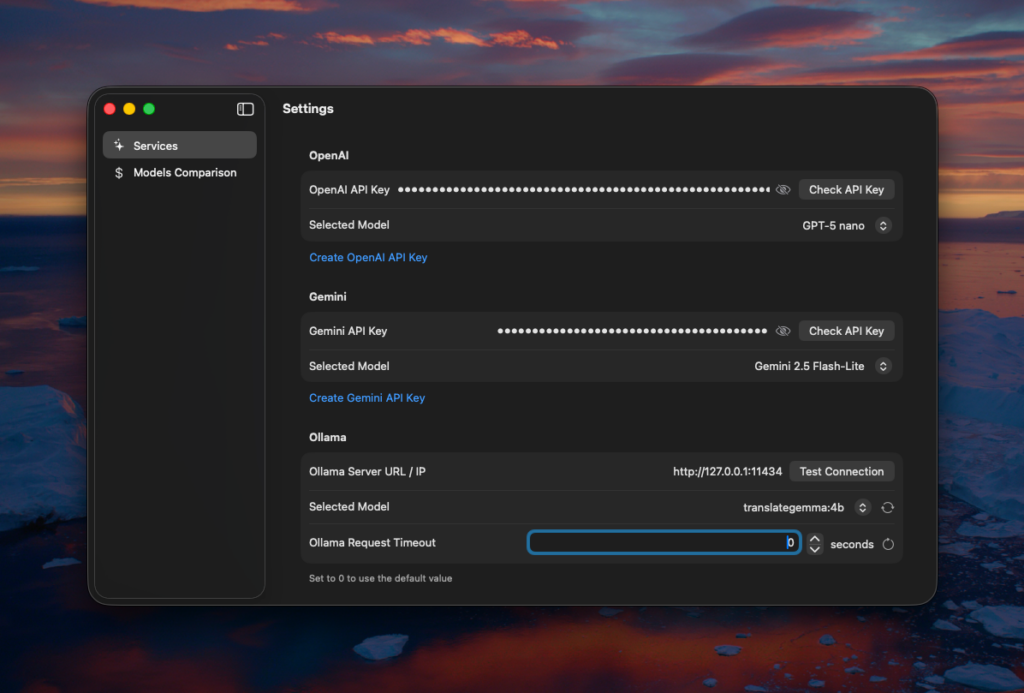
- Multi‑provider support – Use the API key of the provider you already have.
- Import unlimited files simultaneously & parallel jobs – Only in Pro.
How It Works
- Export from Xcode – From Xcode choose File → Export Localizations… to create the localisation folder.
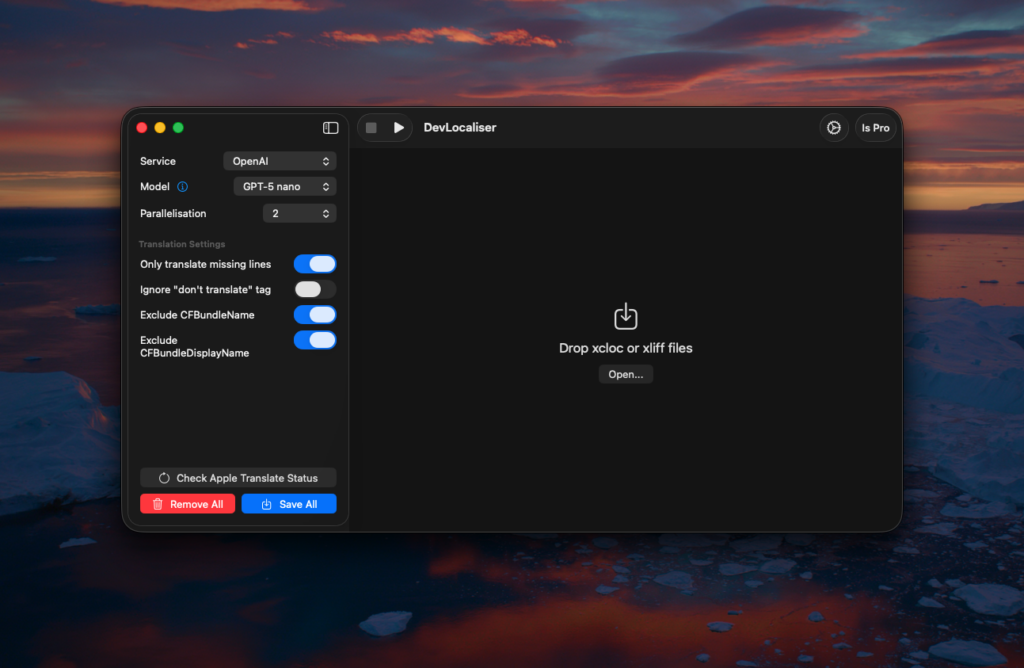
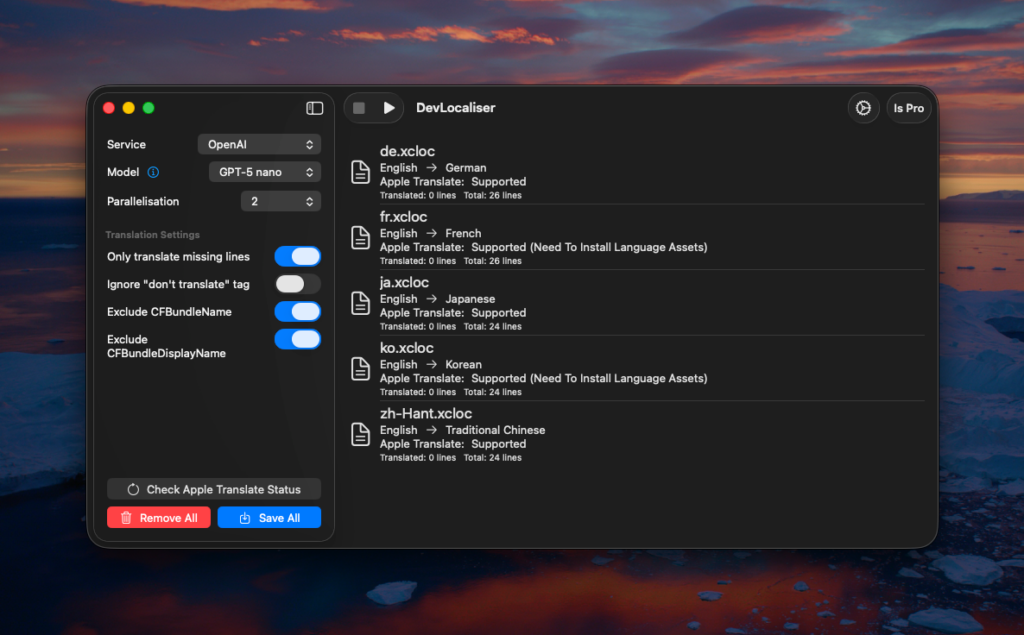
- Drag & Drop – Drop that folder into DevLocaliser.
- Pick a Translation Service – Select OpenAI, Gemini, Apple Translate, or your self‑hosted Ollama model.
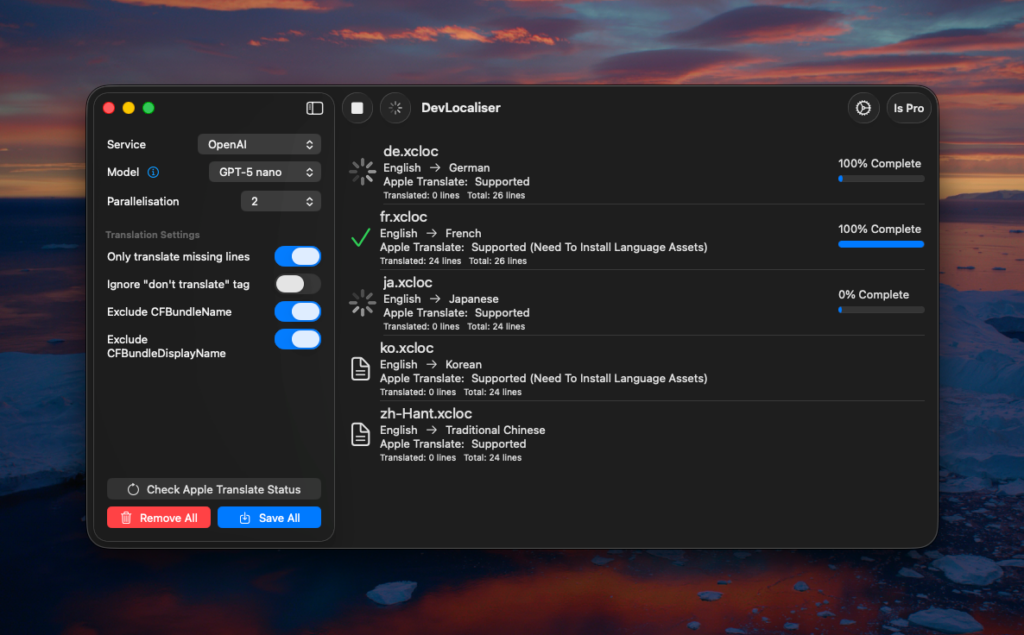
- Hit Play – The app sends the strings you wish to translate to the chosen provider.
- Save the Localised Files – DevLocaliser writes the translated strings back into the folder.
- Import to Xcode – In Xcode choose File → Import Localizations… and select the updated folder.
Download DevLocaliser from the Mac App Store, bring your API key, and localise your Xcode project with a single click. Upgrade to Pro for unlimited files, parallel processing, and new features that are coming soon!